
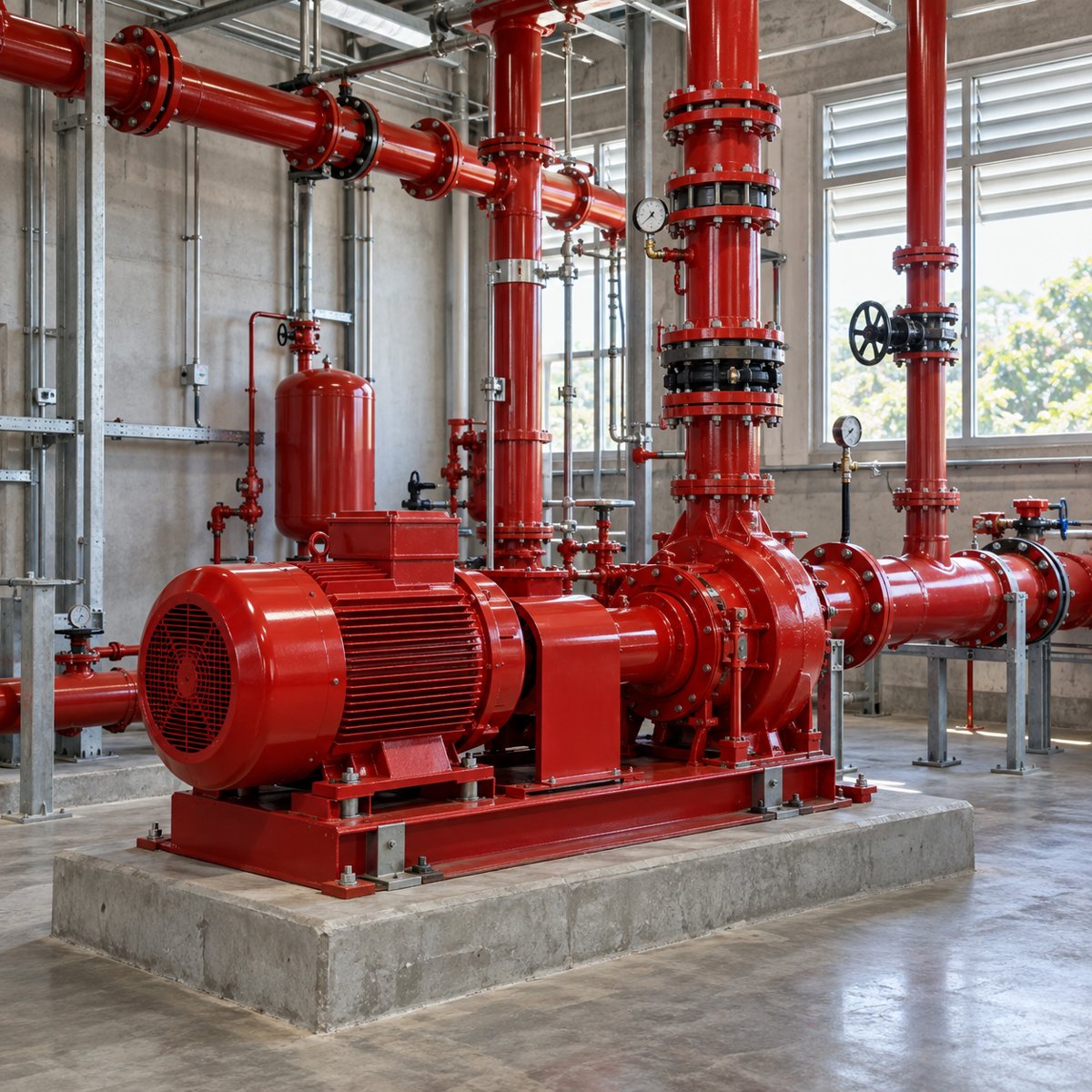
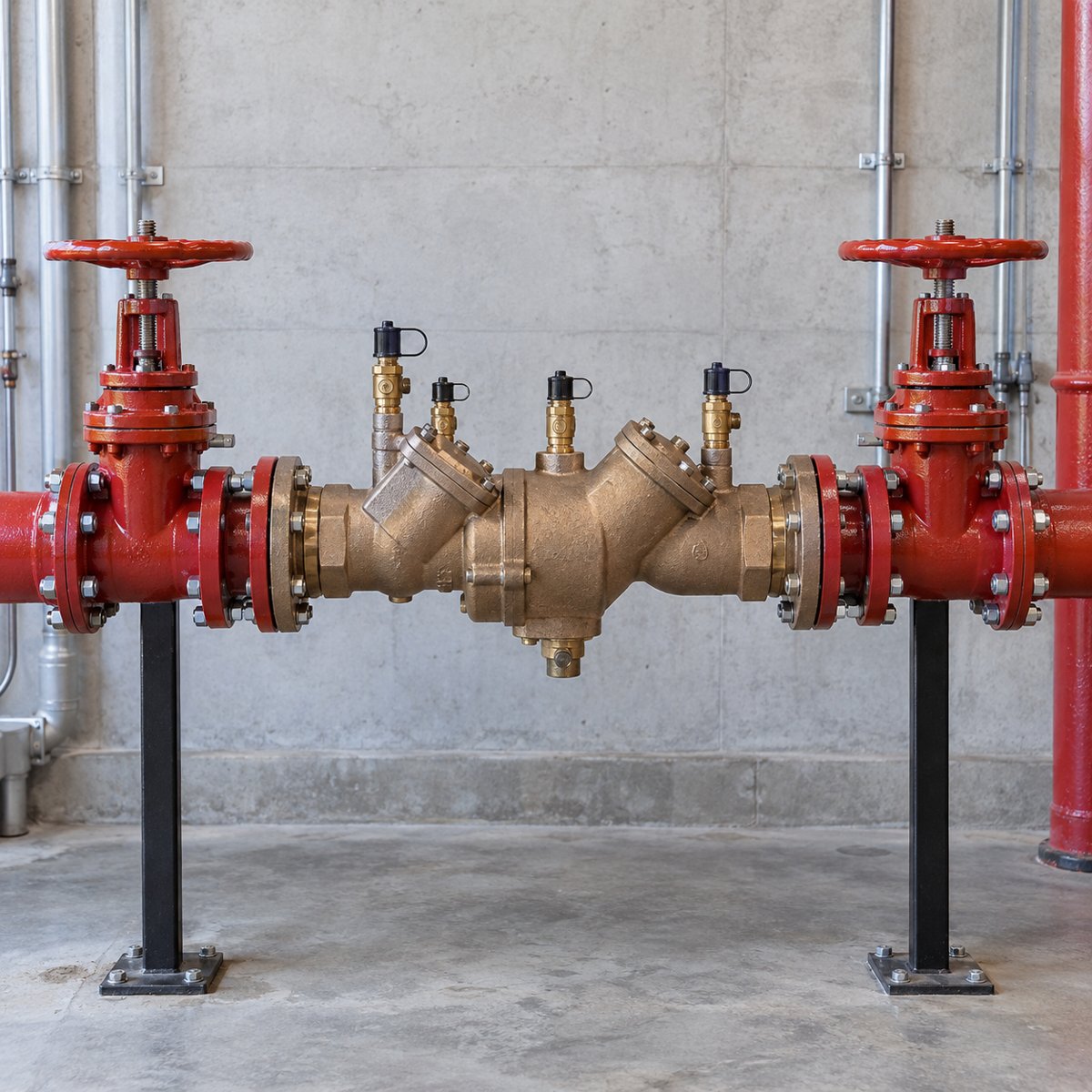
Installation & TI Projects
For general contractors, owners and construction teams.
- New construction & installations
- Tenant improvements & build-outs
- Retrofits & system upgrades
- Design & code consulting
For general contractors, commercial property managers, and facility teams—from TI build-outs to recurring inspections.
Have plans or a prior inspection report? Include them with your request.
East Bay · Tri-Valley · Central Valley · Bay Area
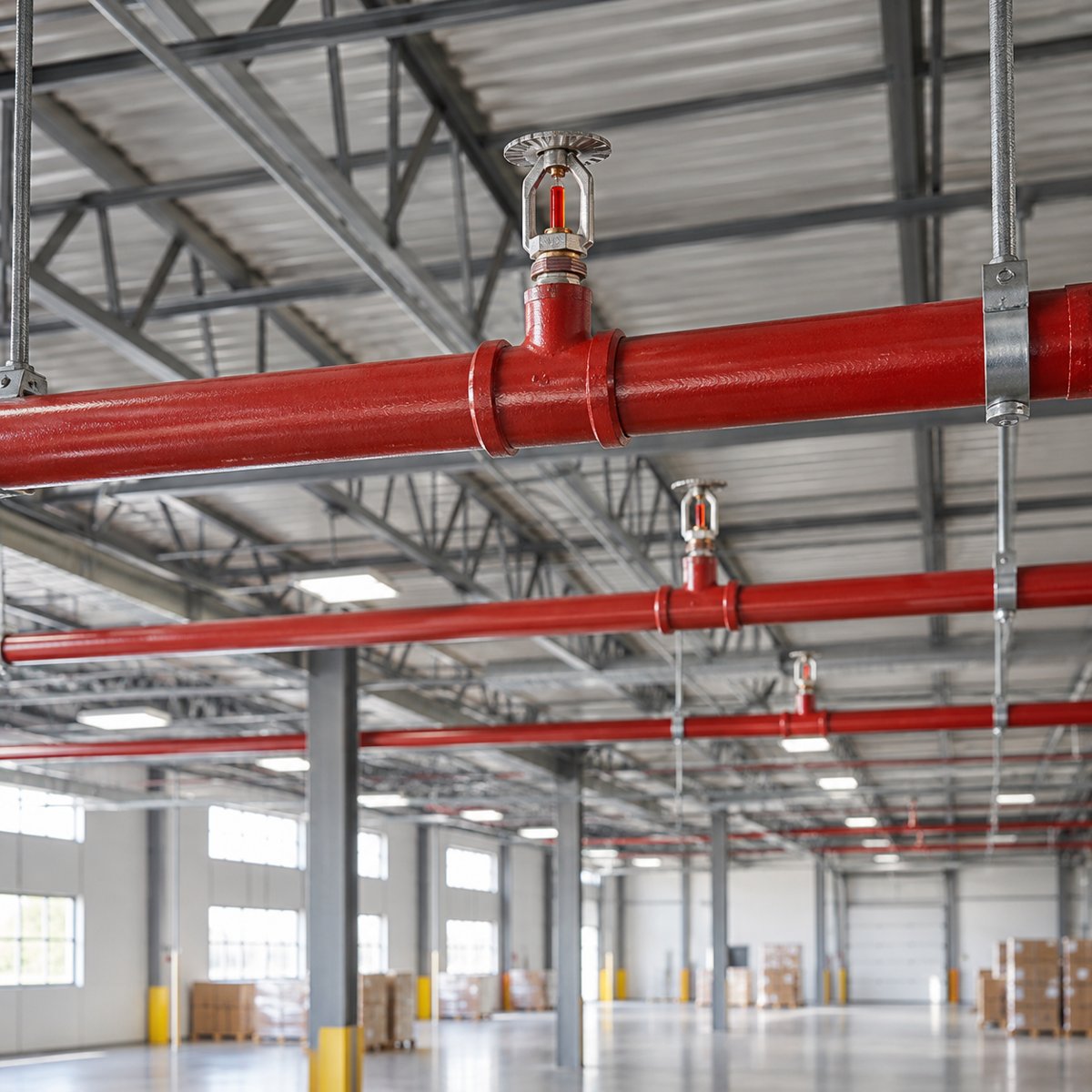
Choose a project or a service request. Explore the technical details on each service page.
For general contractors, owners and construction teams.
For property managers and facility teams.
Request inspection or serviceSample layouts below show where your completed projects will appear. Images are generated illustrations, not Crossfire project photographs.
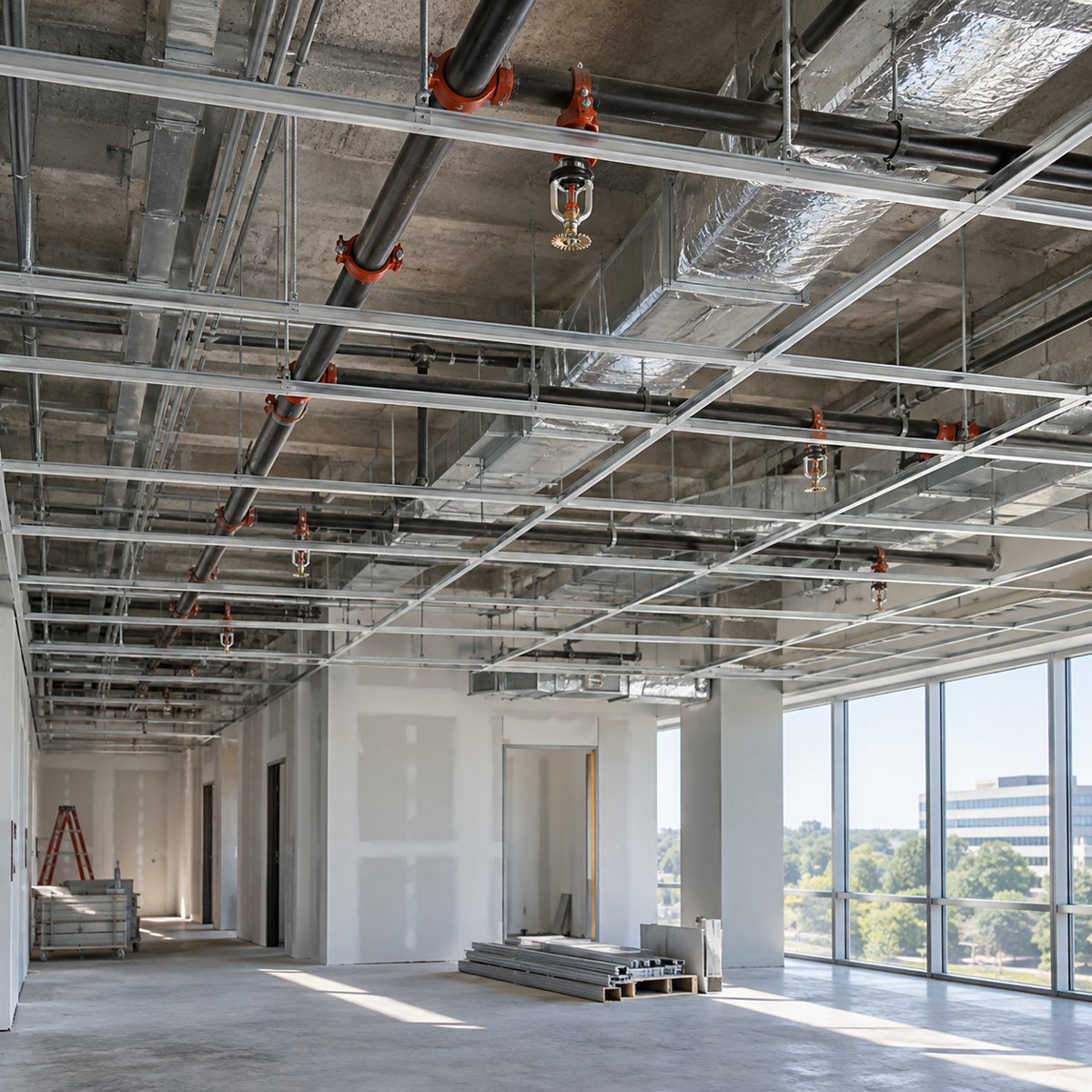
Coordinate sprinkler changes with a new tenant layout.
View project template ↗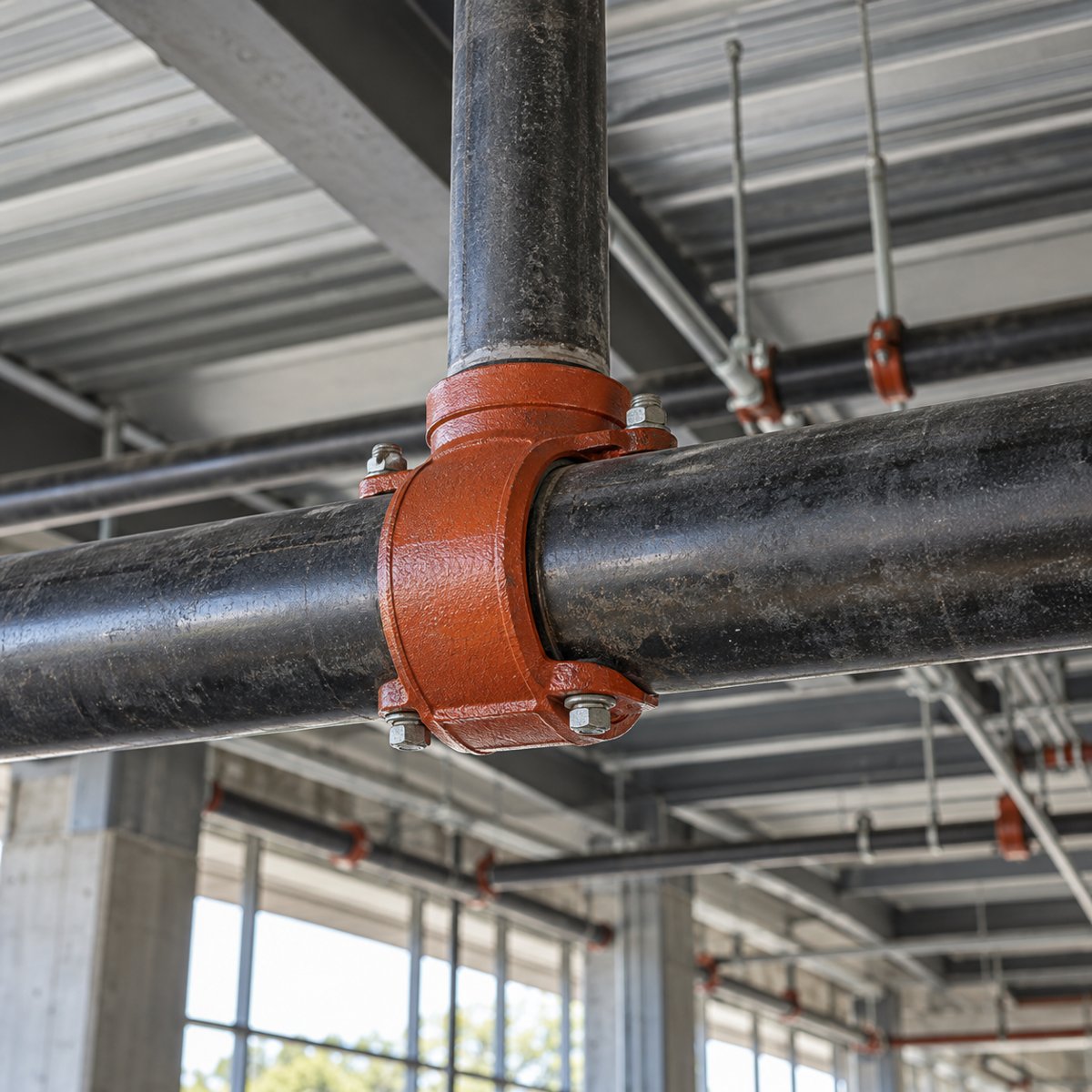
Plan system upgrades around an operating property.
View project template ↗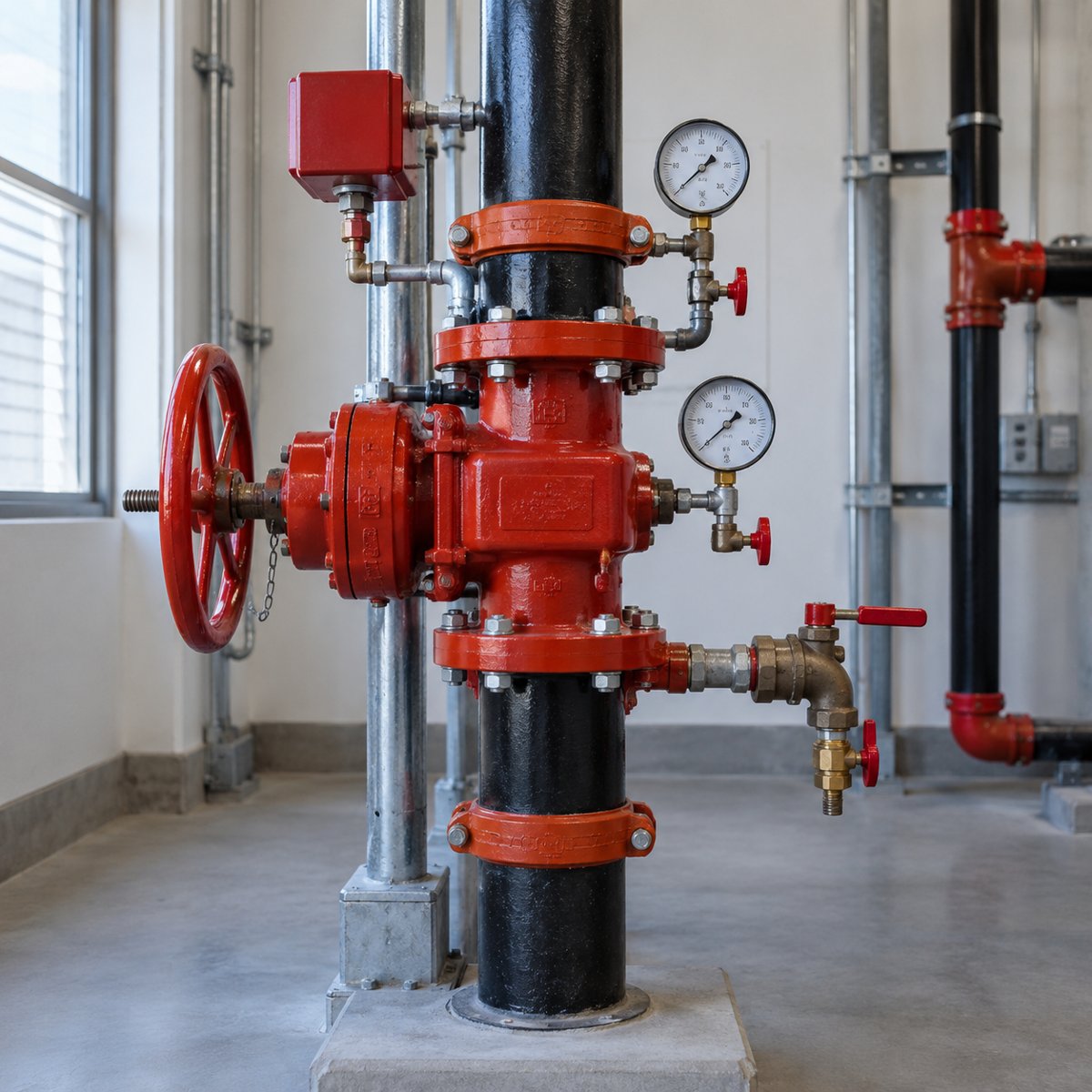
Connect inspection findings with a clear repair scope.
View project template ↗Share the information you have. Define the work before it is scheduled.
Send the location, plans or prior report, and target dates.
Discuss drawings, site conditions, access and responsibilities.
Confirm the written proposal and schedule.
Receive the testing and closeout records included in the scope.
A dedicated place for the company information your procurement team needs.
[Add license number & legal name]
[Add verified coverage summary]
[Add bonding information]
[Add available safety / vendor documents]
Design placeholders — company credentials will be added before launch.
Explore regional project information. Availability is confirmed for your property and scope.
Start with the project city, property type, scope and bid deadline. Add drawings or a plan link if available; a complete drawing package is not required to start an inquiry.
Yes. Select an inspection request and add the due date and preferred visit date. The team must confirm scope, access and scheduling before an appointment is booked.
The request form accepts a plan link or one non-confidential PDF, JPG or PNG up to 5 MB. For confidential drawings, select the secure-transfer request instead.
Use the emergency contact route to confirm dispatch availability. Online forms are for scheduled and non-urgent requests. For fire or immediate danger, call 911.
Send your location, deadline, and the information you already have.